|
Entertainment Magazine: Apple: iPhone: Taking your iPhone or iPad outside of your home countryR. Zucker, Entertainment MagazineSince international roaming charges can get very expensive quickly, AT&T advises customers to take several steps with their iPhone before making any calls.
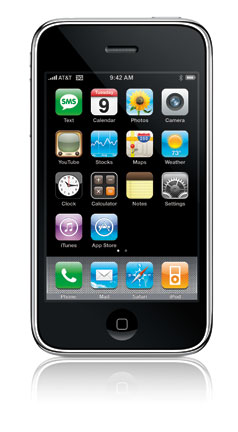
Voice and data usage, including data usage from delivery of Visual Voicemail messages, are charged at international rates. For a complete list of countries and rates visit att.com/wirelessinternational. AT&T offers iPhone International traveling tips to help you keep control of data usage. iPhone data charges are higher on the iPhone than other mobile devices because iPhone delivers full HTML email, including attachments and graphics. The Safari web browser in the iPhone support full HTML browsing for a "full Internet experience." This uses more data than a WAP browser on a standard mobile, handset or PDA. Also, programs like Google Maps, YouTube and others can require a large amount of data to download to the mobile.
Change your iPhone General SettingsYou can make sure you are not charged by AT&T when you get a phone call while on the road and do not want to accept it, or accidently activate automatic email checking, voicemail or other wireless actions, such as stock or weather reports, YouTube or GoogleMaps. Read more about Airplane Mode. Avoid unexpected iPhone international roaming chargesFind out what to shut off on your iPhone. How to prevent iPhone charges. Make sure you are not charged by AT&T when you get a phone call while on the road and do not want to accept it, or accidently activate automatic email checking, voicemail or other wireless actions, such as stock or weather reports, YouTube or GoogleMaps. Continue reading about avoiding international roaming and other charges. Sources: AT&T and Apple (TM)Next: Use Airplane Mode to turn your iPhone into an iPodAccessories for your iPhone:
iPhone International Travel index
|
 There are several ways to minimize international data charges from AT&T: